A product I own and run
Health3: lab results made clear
An iOS and Android app for importing lab reports and tracking results over time. I designed and built the mobile app, document-processing pipeline, and backend.
Inside Health3
See the product in use.
Explore report import, biomarker results, and the history behind each summary. Swipe or use the arrows to see more.
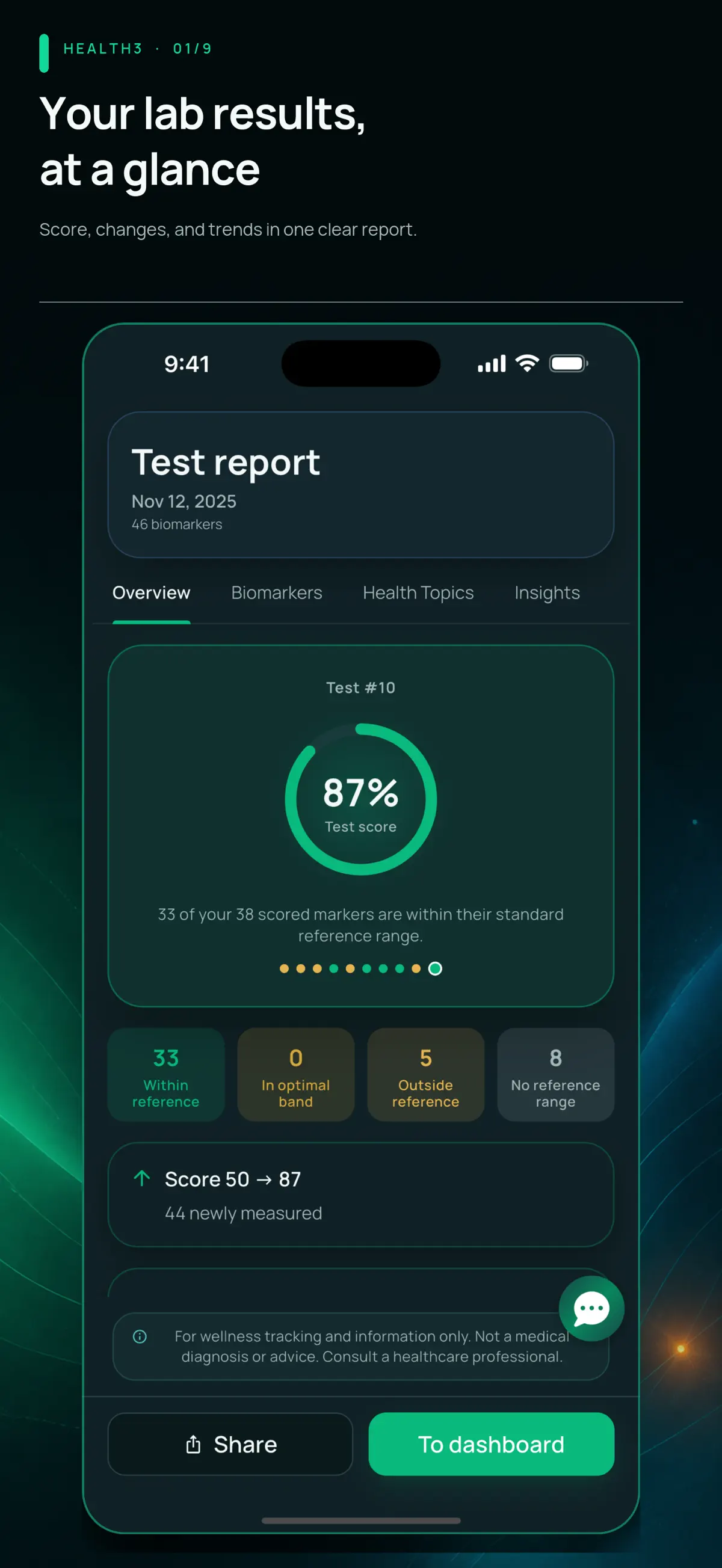
Report overview
A report summary with reference-range counts and changes from previous results.
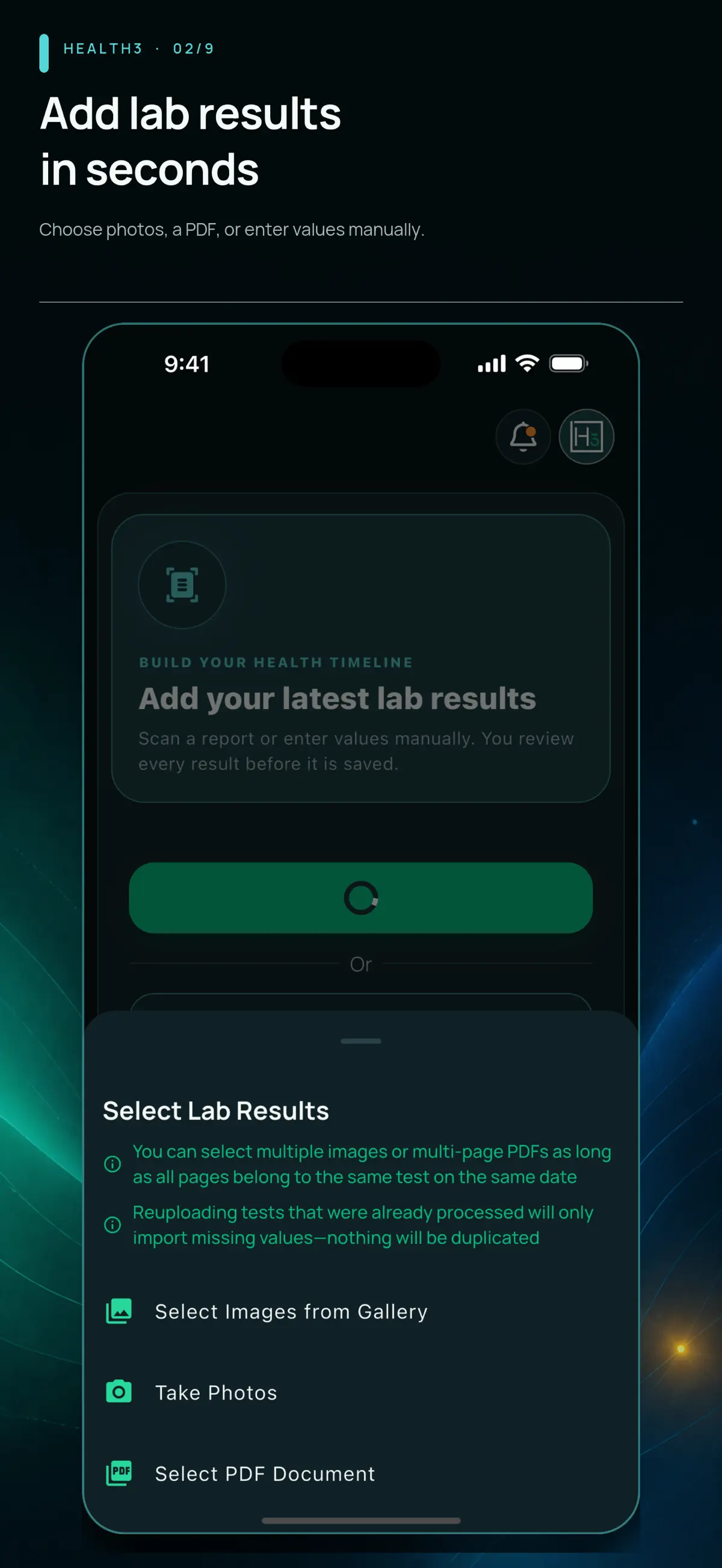
Add lab results
Choose an existing photo, take a picture, or select a PDF report.
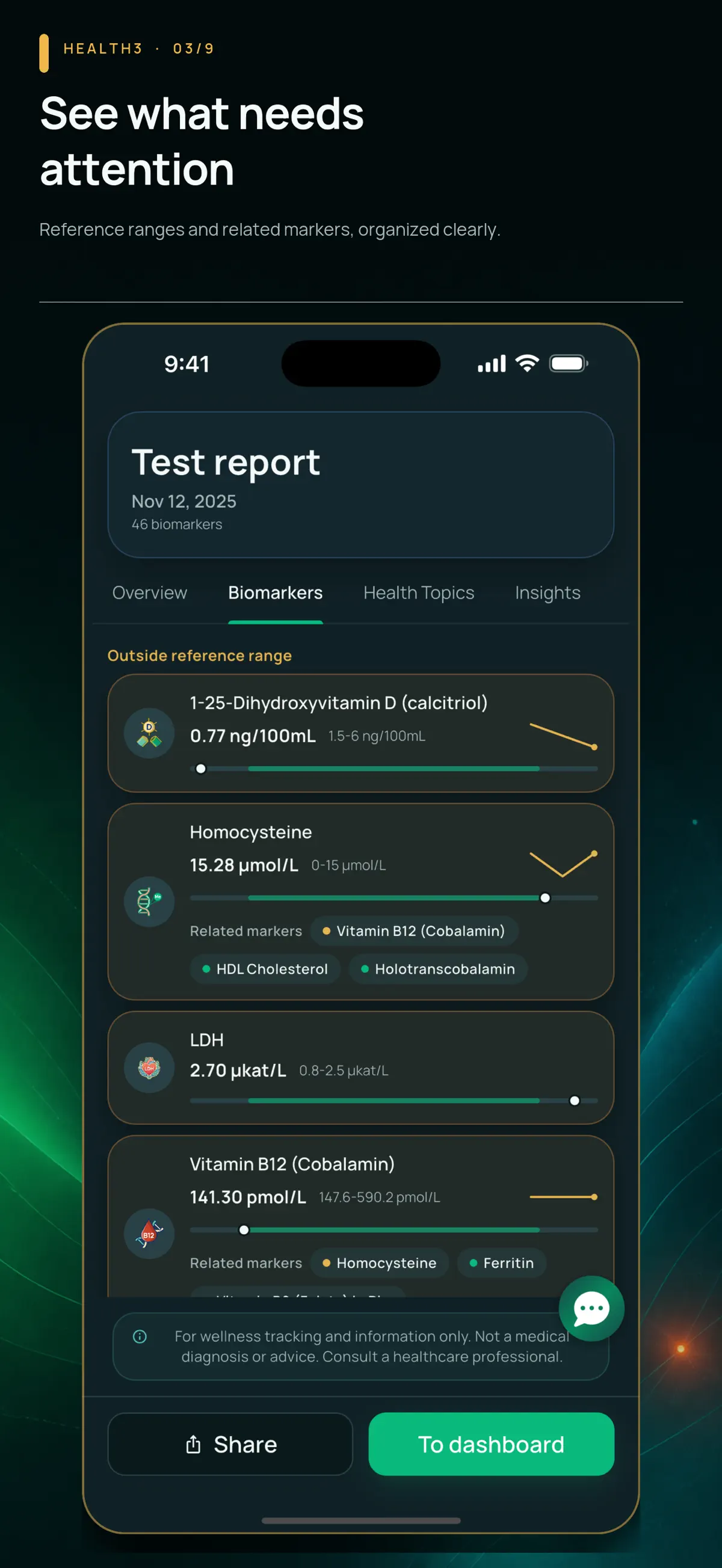
Biomarker results
Individual values with units, reference ranges, and small history charts.
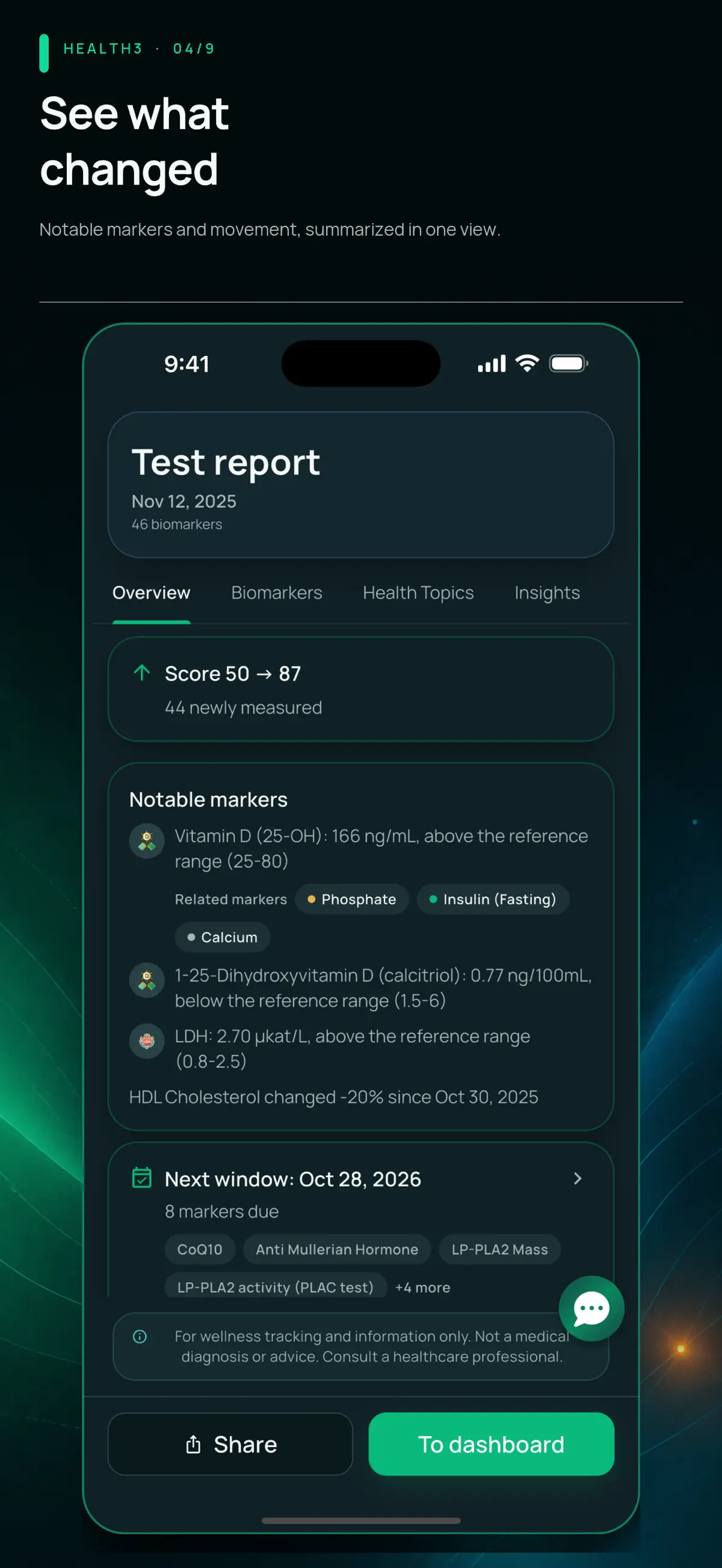
Notable results
A summary of selected biomarkers and changes between reports.
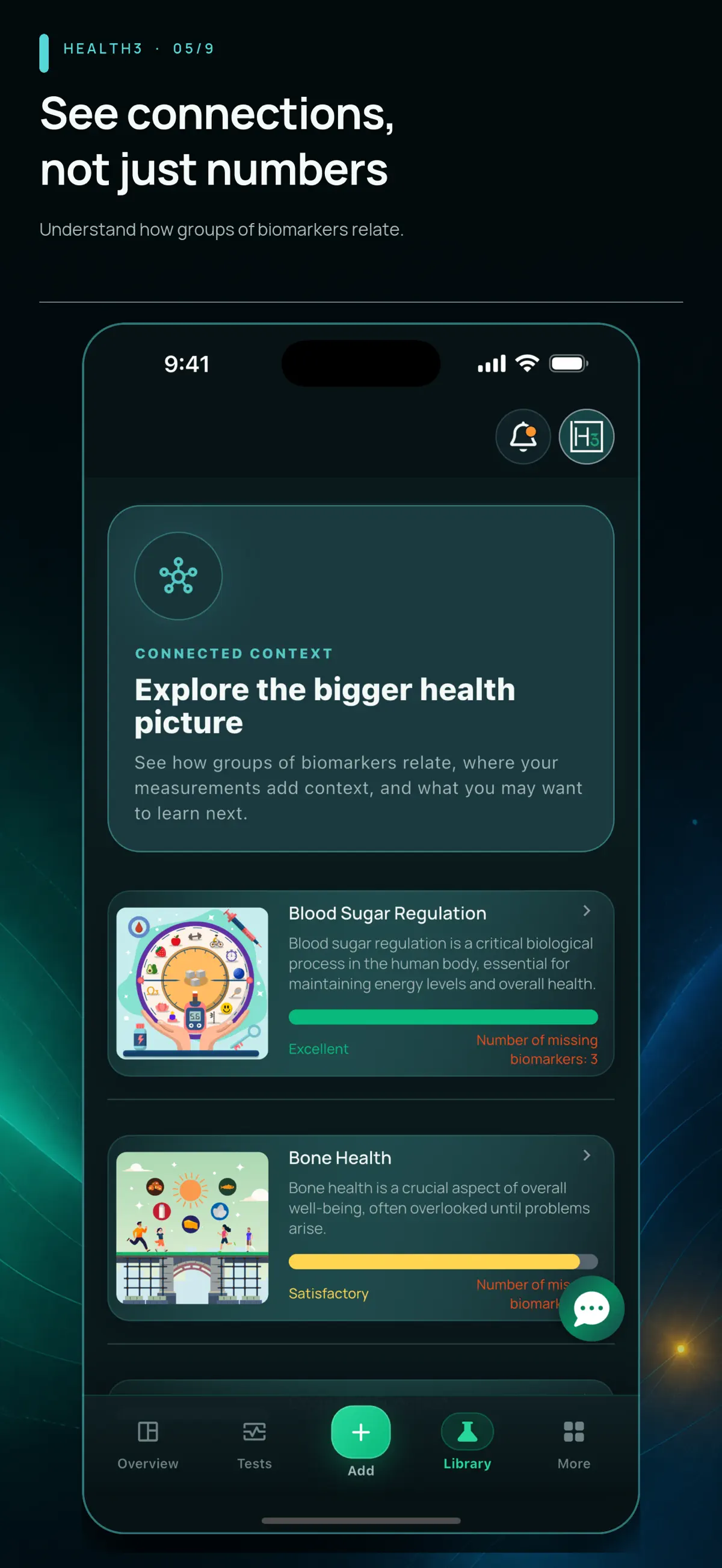
Health topic library
Related biomarkers grouped into topics with explanations.
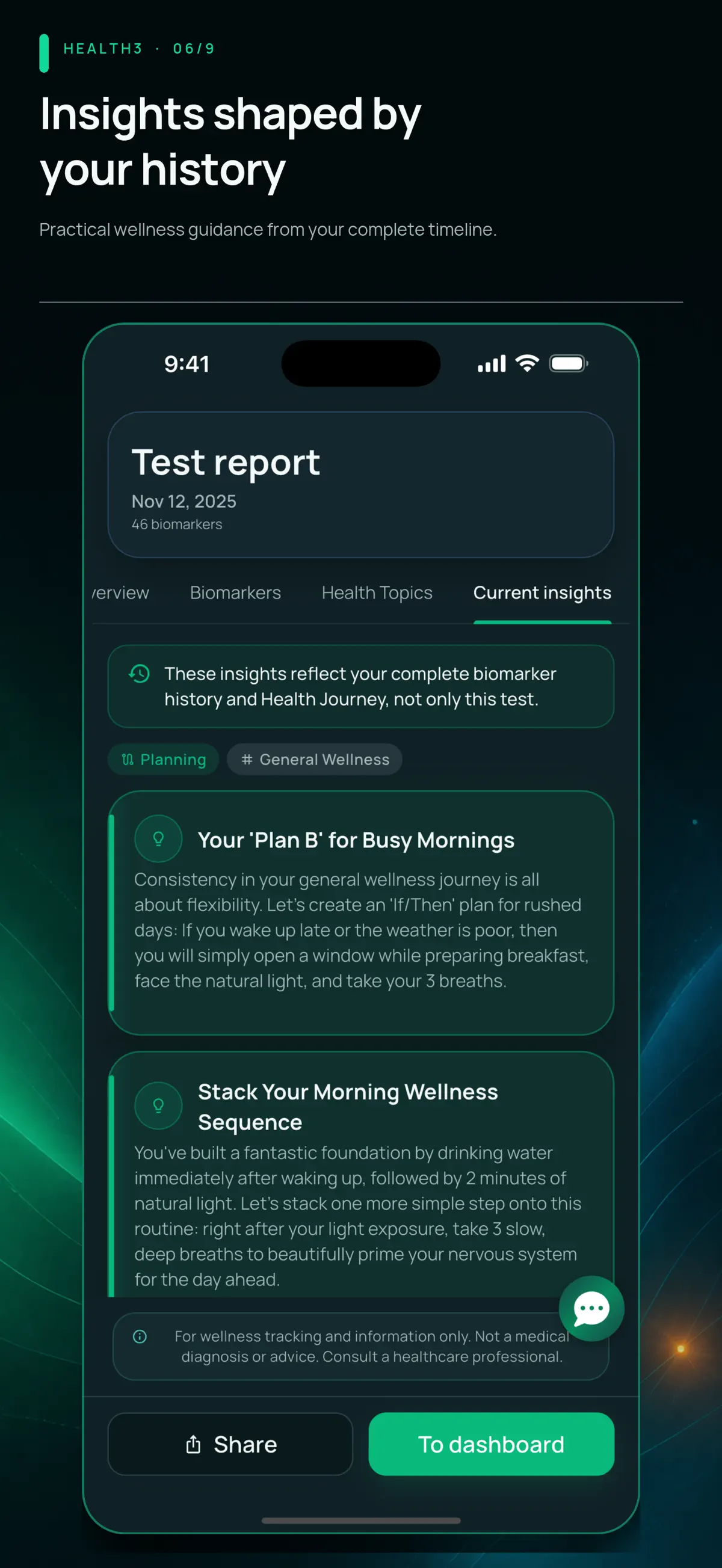
Report insights
Written context alongside the user’s biomarker history.
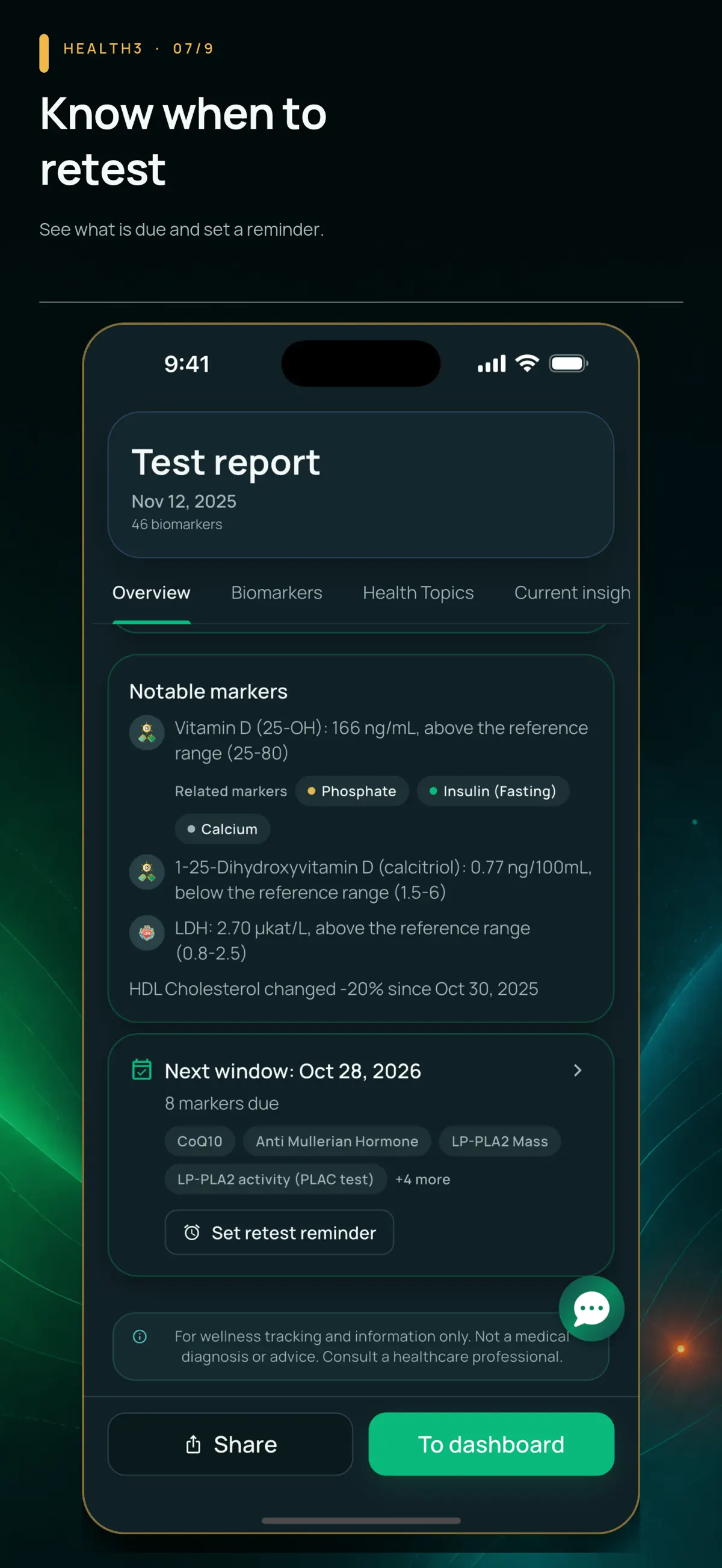
Retest reminder
A suggested retest window with an option to set a reminder.
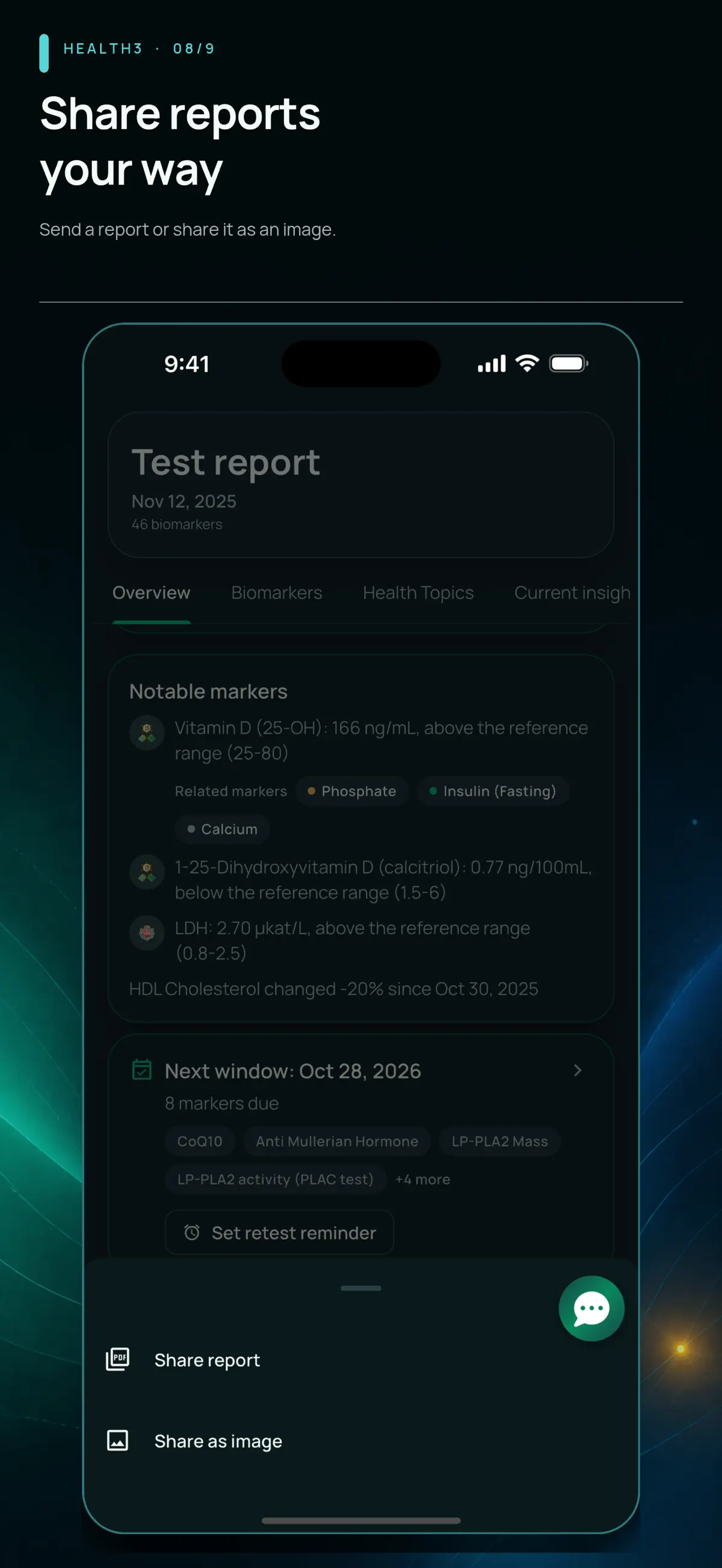
Share a report
Options to share the report or export it as an image.
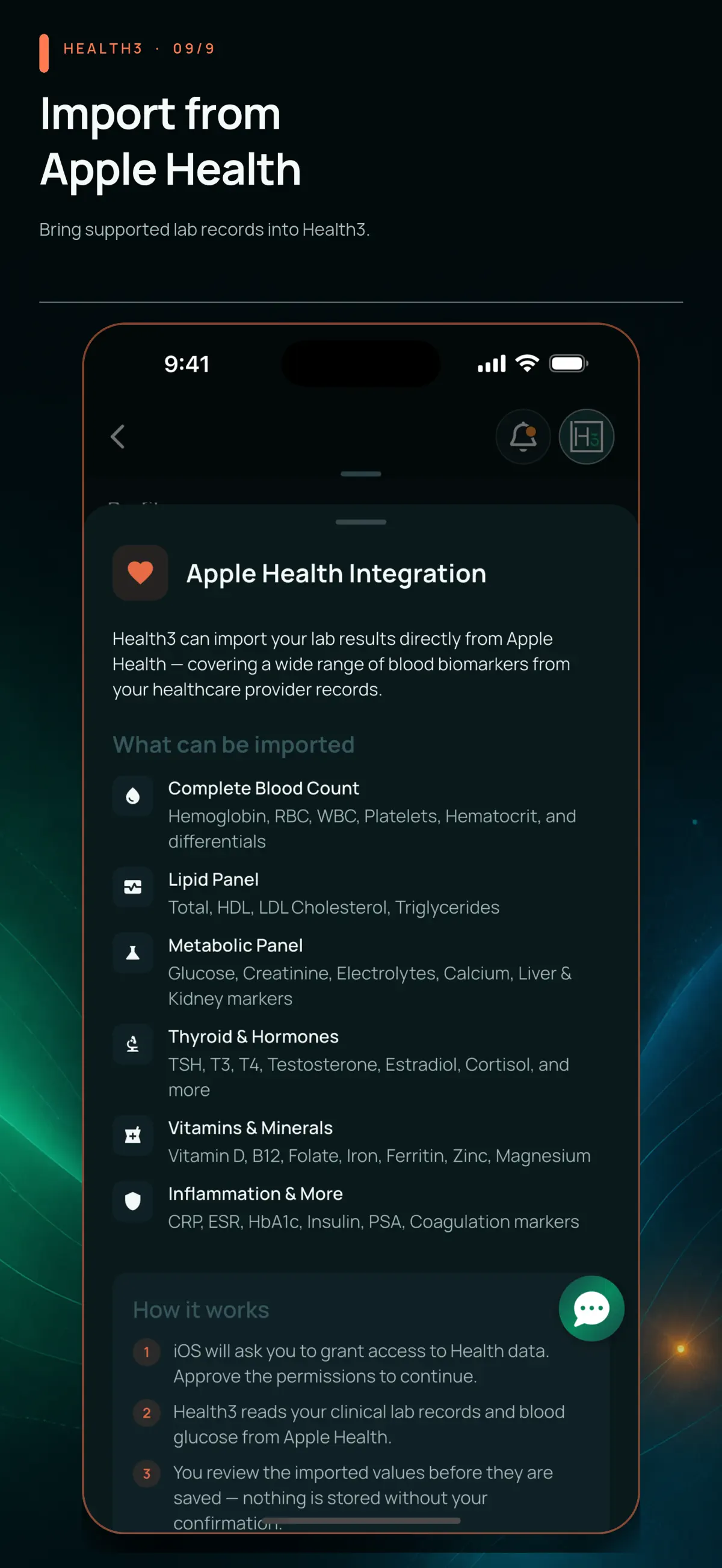
Apple Health import
Supported lab-record categories and the steps for importing them.
The problem
Lab results arrive as separate PDFs, often with different names, units, and layouts. Comparing a result with last year's report can mean searching through files and retyping numbers. I built Health3 to turn those reports into a history people can browse, with explanations of what each biomarker represents.
Try Health3
Explore the biomarker library and lab-result tracking in the published app.
What I built
The work connecting an uploaded report to a readable result on someone's phone.
From lab PDFs to stored results
I built an AWS pipeline that extracts text and tables from lab reports, matches the results to biomarker records, and saves the values and units for use in the app. Extraction and matching are separate steps that can be checked against the source report.
A history for each biomarker
I designed the Flutter screens around individual biomarkers: their recorded values, reference ranges, and changes over time. Unit conversion lets results from different reports appear on the same chart on iOS and Android.
User-specific data access
I added access policies in Supabase to scope records to the signed-in user, alongside the report-upload and processing flow. The database checks whose records a request can access, adding a boundary behind the app’s screens.
Technology Stack
The tools and technologies that power Health3.
- Flutter
- Dart
- iOS
- Android
- Supabase
- PostgreSQL
- AWS Lambda
- AWS API Gateway
- AWS Bedrock
- AWS CloudFormation
- S3
- Textract
- CloudFront
- Mixpanel
- GitHub Actions
Have a health app idea?
Tell me what information your app needs to handle and who will use it. I'll help scope the screens, data flow, and first release.
Discuss your ideaPlanning a project of your own? See apps for longevity clinics, the website scope from $500, or explore an app sprint.